
Galleries and albums
Galleries on your profile, in communities and inside courses. Photos, YouTube links, PDFs and MP3 audio, in albums that each have their own access.
On this page
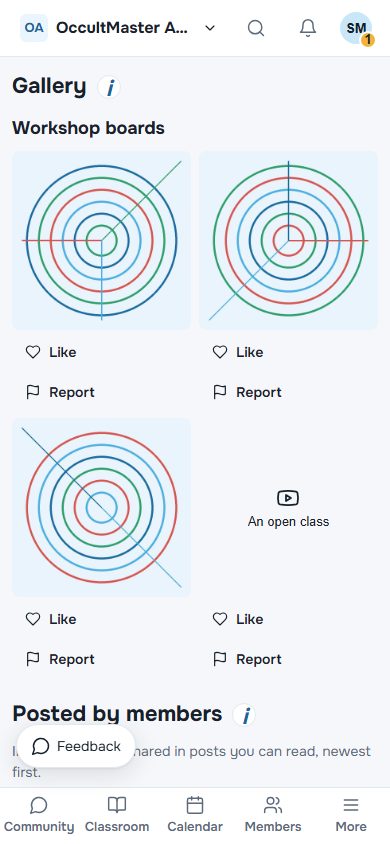
A gallery is a set of albums. You find galleries in three places: on your profile, in a community and inside a course.
What you can add
- Photos. They are resized for the web, and location data is removed from the file.
- YouTube links.
- PDFs.
- MP3 audio.
Uploading video files is not switched on. Put the video on YouTube and add the link instead.
Albums and who sees them
Each album has its own access:
- Everyone
- Members of the community
- Members from a level
- Members of a tier
On a profile, an album for members is shown to people who are signed in.
Looking through an album
Click or tap an item to open it large. Move to the next or the previous item with the arrow keys, and press Escape to close.
Likes and comments
You can like an item. Comments on gallery items appear only if the platform turns them on.
Storage
- 100 MB free.
- 1 GB with the verified tick.
Space is counted for each owner: your profile, or the community. If an upload would take you over the space, it is not saved, and a message tells you to remove something first.
A community's automatic album
Each community has an album that fills itself with the images members posted in the community feed. You see only the images from posts you can read. The images are shown from the posts, not copied.
We only count yes and no for each article. Nothing about you is stored.