
Tips on screens, and how to turn them off
Small "i" buttons explain a control in a sentence or two, and a few screens show short first-visit tips. You can turn them off or bring them back.
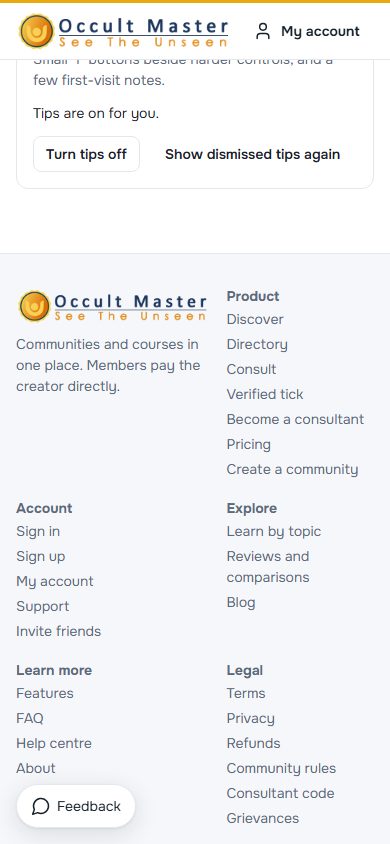
Some screens carry short tips, so you can learn a control without leaving the page.
The "i" buttons
A small i next to a control opens one or two sentences about it, and a Learn more link to the help article.
First-visit tips
On a few screens, your first visit shows up to three short tips, each pointing at a part of the screen. Press Got it to dismiss a tip. A dismissed tip does not come back unless you reset your tips.
Turn tips on or off
- Open My account. You can also use the help menu.
- Turn tips on or off.
- To see the first-visit tips you dismissed again, reset your dismissed tips.
These choices are yours alone and follow your account into every community.
What a community owner decides
In Admin, Look and tips, a community's owner chooses:
- whether members see tips in that community, and
- whether members may turn tips on or off for themselves.
If the owner does not let members turn tips off, the tips stay on in that community.
Admins
Admins keep tips on admin screens, unless they turn tips off for themselves in My account.
We only count yes and no for each article. Nothing about you is stored.