
Install the app on your phone (PWA)
Add the site or a community to your phone's home screen. It opens like an app, in its own window, without an app store.
On this page
The main site and every community can be installed on your phone or computer as a PWA (a web app). It opens from an icon on your home screen, in its own window, without the browser's address bar. There is nothing to download from an app store.
Each community installs with its own name and colour, so you can keep the communities you use most one tap away.
On an Android phone (Chrome)
- Open the community in Chrome.
- Tap the ⋮ menu.
- Tap Install app (on some phones it says Add to Home screen).
- Confirm. The icon appears on your home screen.
On an iPhone (Safari)
- Open the community in Safari.
- Tap the Share button.
- Tap Add to Home Screen, then Add.
On an iPhone, push notifications work only for a site added to the Home Screen.
On a computer (Chrome or Edge)
Click the install icon at the right end of the address bar, or open the browser menu and choose Install.
What works offline
If you lose your connection, the app shows a simple offline page instead of an error. Paid lessons, private screens and signed links are never stored on your device, so what you paid for stays protected even on a shared phone.
Push notifications
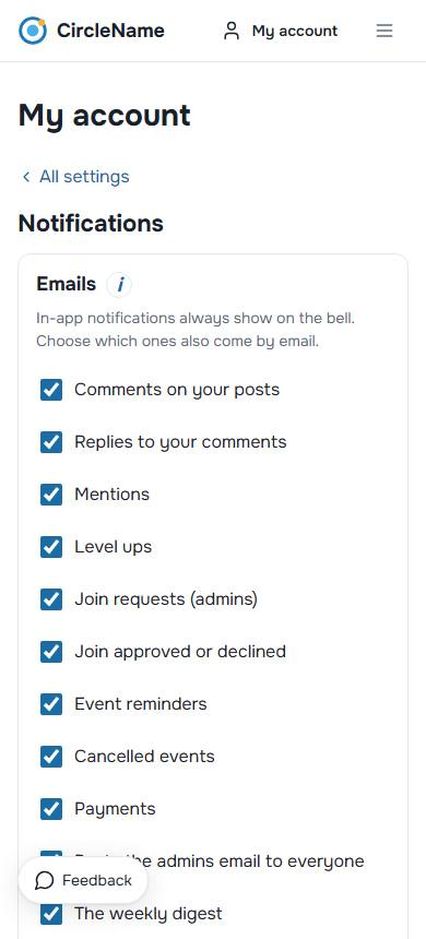
After installing, turn on push in My account, Notifications on that device. See the article on notifications.
Store apps
Android and iPhone store apps are being prepared. Until then, the installed web app is the way to use a community from your home screen. Purchases are made on the website; an app shows the access you already have.
We only count yes and no for each article. Nothing about you is stored.