
Payment links
Make a link for an amount, with what it is for and an expiry, and share it anywhere. The person pays through the usual checkout and gets a receipt.
On this page
A payment link is for a payment that is not a course or a plan: a one-to-one chart review, a group booking, a deposit.
Make a link
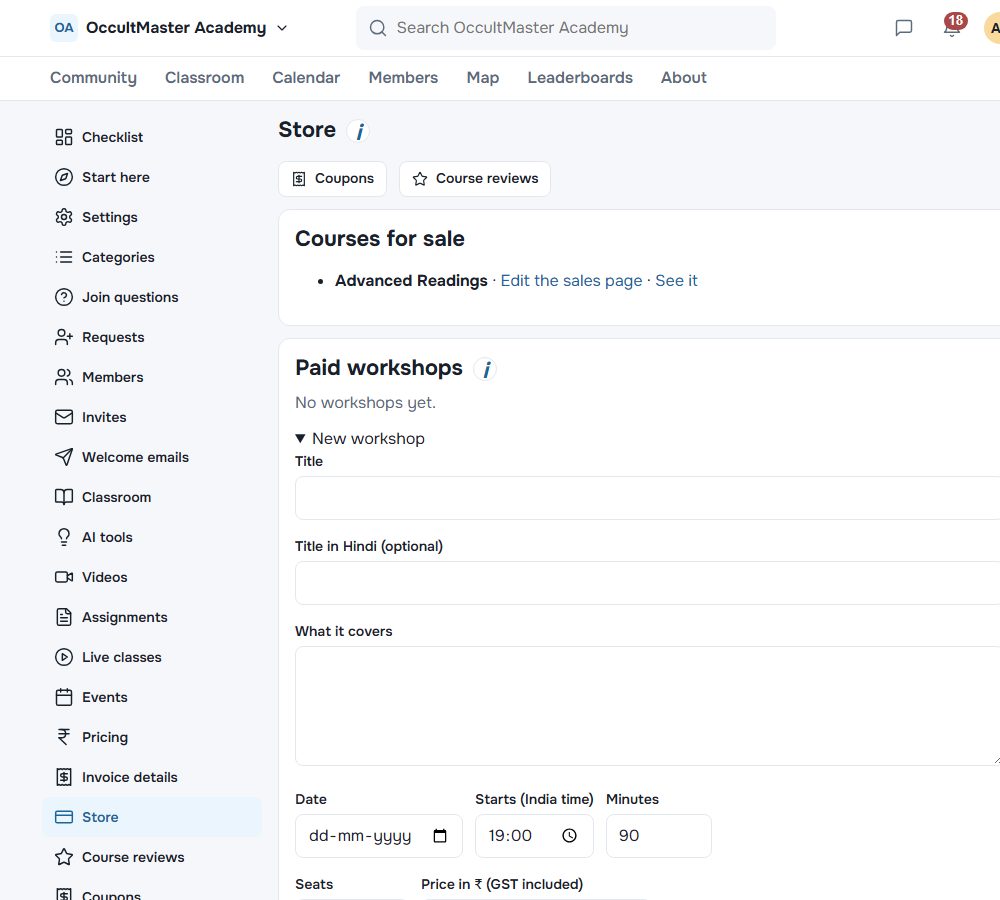
- Open Admin, Store and go to Payment links.
- Say What it is for, the Amount (GST included), an expiry date if you want one, and how many payments the link takes (1 by default; 0 for no limit).
- Choose Make the payment link, then copy the address shown and share it by message or email.
What the payer sees
The link opens a page with your community's name, what the payment is for and the amount. The payer signs in or makes an account, pays in the usual checkout (a coupon works here too), and lands on a receipt page with the order and receipt numbers. The receipt also goes to their email.
After it is paid
The list in Admin, Store shows how many times each link was paid. A link stops taking payments once it has its number of payments or its date has passed. You can switch a link off at any time.
We only count yes and no for each article. Nothing about you is stored.