
Take a course and track your progress
Open a course from the Classroom, work through the lessons, mark each one complete and pick up where you left off. Some courses end with a certificate.
Courses are in Classroom. Each card shows the course cover, how far you have got, and, if it is locked, what opens it.
Start a course
- Open Classroom and tap a course.
- The course page shows the lessons as a path: the ones you have done, the one you are on, and the ones still locked. Tap Start the course to open the first lesson. Once you have finished a lesson, the button reads Continue and opens the next lesson you have not finished, so you always pick up where you stopped.
If a course is locked, the card says why: a level ("Unlocks at level 3"), a tier ("Premium members"), or a price. Some lessons are marked Free preview: you can open them before you buy the course.
In a lesson
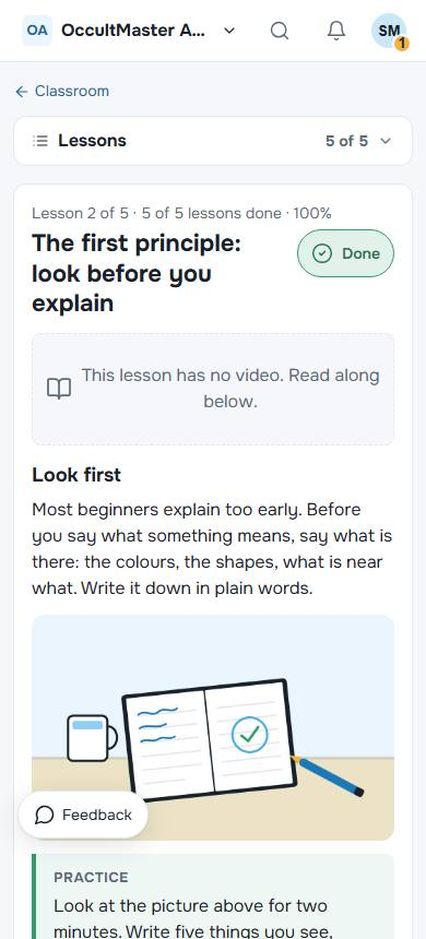
- The top says which lesson you are on, such as "Lesson 2 of 5".
- Lessons opens the outline with your progress bar: how many lessons are done and the percentage. On a phone it slides in from the side.
- The lesson can have a video, text, pictures, audio, key points and exercises. A lesson without a video says so and you read along below.
- Resources lists files and links for the lesson. Files download to your device.
- Check your understanding is a short quiz in some lessons. You see your score; below the pass mark you can try again. After each try, the right answers and their explanations are shown.
- Lesson discussion opens a post where you can ask a question about this lesson, or Start the discussion if there is none yet.
Mark it complete
Tap Mark complete at the end of a lesson. In a lesson with a quiz, passing the quiz completes it. A Lesson complete card then shows what is Up next; tap Continue to go on. Completed lessons get a tick in the outline, and the course card shows your percentage done.
Use Previous and Next to move around. On a keyboard, J or the left arrow goes to the previous lesson, and K or the right arrow to the next.
Lessons that open later
Some courses release one lesson at a time. A lesson that is not open yet says "Opens on" with the date. Come back then.
Certificates
If the course gives a certificate, finishing every lesson shows Course complete with Your certificate and its number. You can copy its check link, and the player shows Your certificate with Open and download. Anyone can check it on its verify page.
We only count yes and no for each article. Nothing about you is stored.